Stop Email Spoofing.
Protect Your Business.
Deploy DMARC on your business email domain — step by step — with
no tech background required. Protect your reputation, land in inboxes,
and keep hackers out.

SPF, DKIM, DMARC
We walk you through the process, step-by-step, to create your SPF Record, DKIM Record and Deploy DMARC

Screenshare Video Walkthroughs
Follow along with me as I deploy DMARC on a domain in Cloudflare

Google, Mictrosoft and Yahoo Compliance
Once DMARC has been correctly deployed your sending domain will PASS the authentication requirements for all three service providers
DMARC for Dummies (a.k.a. Smart Business Owners Who Don’t Speak Geek)
(Because You Run a Business, Not an IT Department)
You’ve got invoices to send, customers to impress, and a business to grow.
The last thing you need?
Emails from “you” that aren’t actually from you. 😬
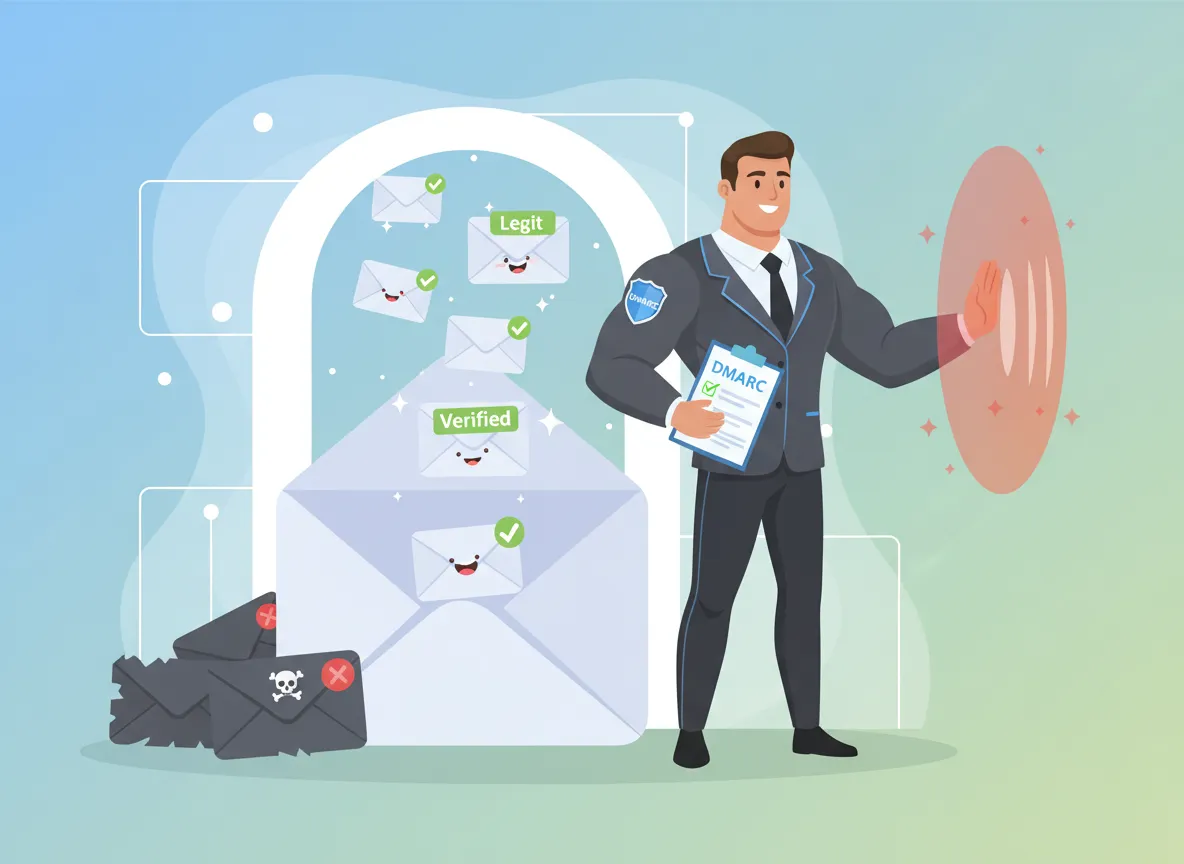
That’s where DMARC comes in — your email’s silent bodyguard.
It quietly checks every outgoing message and says:
“Yep, this one’s legit — let it through.”
“That one’s fake — block it.”
The result?
No scammers using your domain name.
More real emails delivered to real inboxes.
More trust in your brand with every message you send.
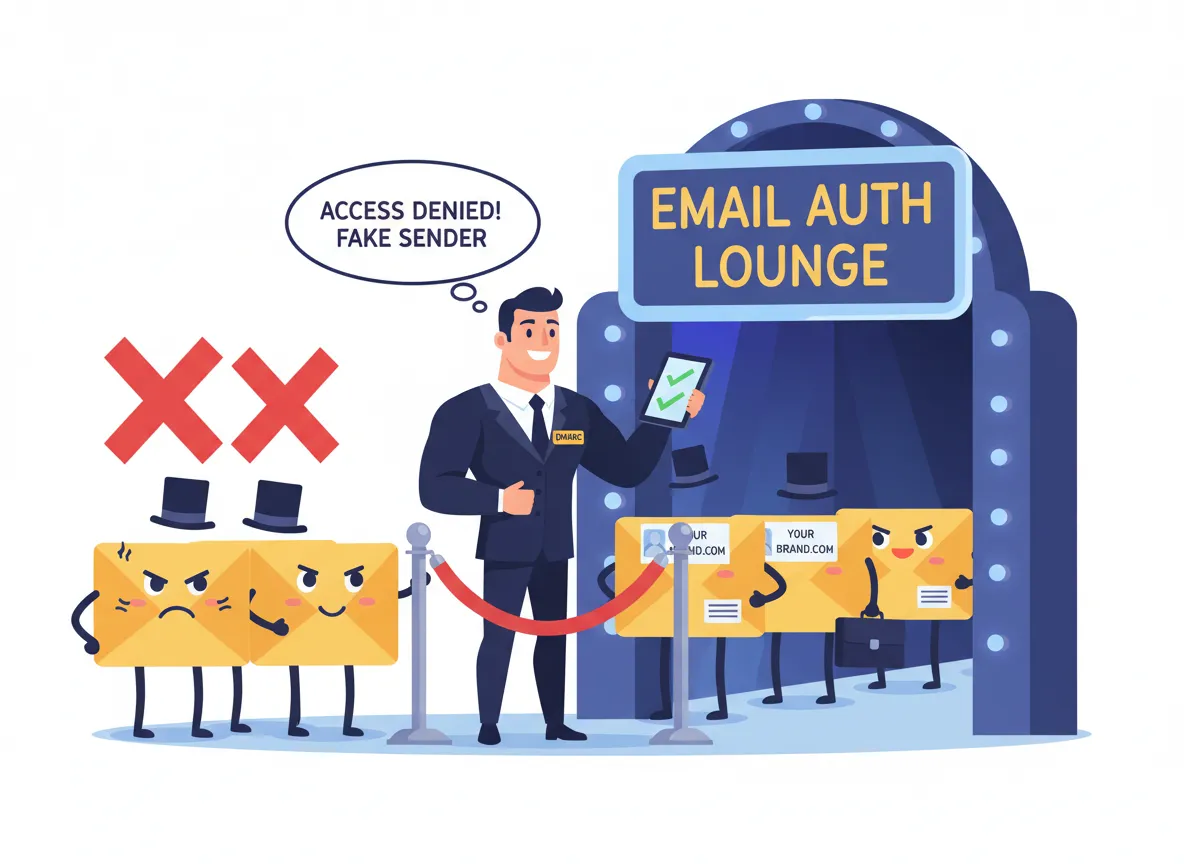
Think of DMARC as a Bouncer for Your Brand
It stands at the email club door (a.k.a. your domain) making sure only your messages get in.
So when Gmail, Outlook, or Yahoo see your emails coming, they know — “Ah, that’s the real business!
Let them through.”
Bottom line:
DMARC isn’t about tech.
It’s about trust, reputation, and staying out of your customers’ spam folder.
Google, Microsoft & Yahoo Are Enforcing It — Big Time
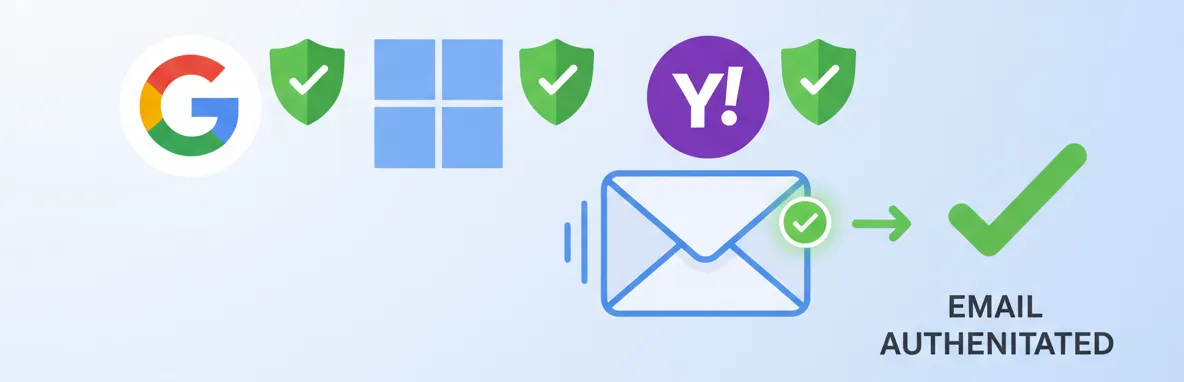
These email giants now require authentication before they’ll let your messages through.
That’s tech‑speak for: if you don’t have DMARC and its sidekicks (SPF & DKIM), your emails could quietly disappear into spam purgatory.
DMARC keeps you compliant — and keeps your emails where they belong.
Inbox, not oblivion.
“Okay, But What Does DMARC Actually Do?”
Here’s the non‑nerdy version:
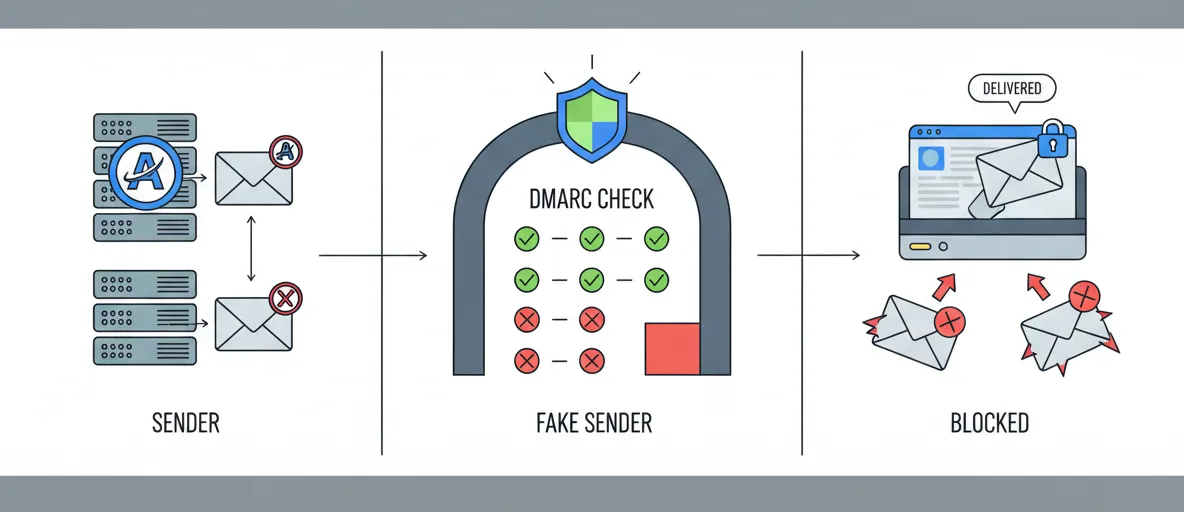
Authenticates your emails.
Proves to Gmail, Yahoo, and Outlook that your messages are the real deal.
Tells them what to do with impostors.
“Reject anything pretending to be from me.”
Reports back.
Gives us visibility into who’s trying to spoof your domain — so we can stop them cold.
You never have to worry about deliverability. You just get peace of mind.
🛡️
Prefer a Done-For-You DMARC Setup?
Let us do all the heavy lifting for you
If you go through the course and decide you don't want to handle the DNS and policy setup yourself, we can deploy DMARC on your domain for you.
The cost for this service is $175, and your $39.95 course purchase will be deducted from that total. That means if you choose the done-for-you option, you'll pay only $135.05 more.
It's a simple way to move forward with confidence: learn it yourself if you want to, or have it professionally deployed if you'd rather not do it alone.
30-day money-back guarantee. No questions asked.
We handle the scary acronyms. You stay scam‑free.
Why The Great Geek Academy?
Because this is what we do: We Speak Geek, So You Don't Need To.
We’ve already deployed DMARC for businesses of all types who’d rather face a firing squad than their domain settings.
With us, you get:
Plain‑English walkthroughs to
Deploy your Secure setup (SPF, DKIM and DMARC)
Automate Ongoing Monitoring… using free tools that do the work for you

The Great Geek
My name is Ross Sorenson and I've spent nearly two decades helping businesses untangle their tech headaches so they can focus on growth.
After working in IT for companies like United Airlines, Indymac Bank, and Universal Studios Hollywood, I launched my own consultancy in 2007.
What began as Integrity Tech Consulting eventually became The Great Geek in 2017.
Since then, I've been proud to be the go-to problem solver for small business owners who need their systems to just work—so they can stop stressing about technology and get back to running their business.
Common Questions
most frequently asked questions
Everything non-technical business owners worry about before touching their DNS — answered honestly.
Will this break my email if I make a mistake?
No — and this is the most important thing to understand. DMARC is deployed in 'monitor-only' mode first. That means it watches what's happening with your email without touching or blocking anything. You won't break a single email. The course walks you through every step in the safest possible order, and you'll only move to enforcement once you can clearly see everything is working correctly.
I've never touched DNS records before. Is this really doable for me?
Absolutely. DNS records sound intimidating, but editing them is more like filling in a form than writing code. Your domain registrar (GoDaddy, Namecheap, Squarespace, etc.) has a simple dashboard where you paste in a line of text. The course shows you exactly what to type and where — with screenshots for the most common registrars.
Do I need to satisfy the new Google, Yahoo, and Microsoft email requirements?
Yes — and this course is exactly how you do it. In 2024, Google and Yahoo began requiring SPF, DKIM, and DMARC authentication for anyone sending email to their users. Microsoft followed with similar requirements for Outlook. If your domain doesn't have these records in place, your emails are far more likely to land in spam — or get rejected entirely. Completing this course means your domain will fully satisfy all three providers' authentication requirements.
What if I accidentally lock myself out of my own email?
This won't happen. DMARC in monitor mode — where you'll start — has zero impact on email delivery. It's purely a reporting tool at first. The course also includes a pre-launch checklist you complete before activating any enforcement policy, so you'll have full visibility into your email flow before anything changes.
How long will this actually take?
Most people finish in under two hours, spread across one or two sittings. There's no filler — every lesson is focused on getting your domain protected. You can pause, rewind, and come back anytime since you get lifetime access.
What if my domain is hosted somewhere I don't recognize?
The course covers the most common registrars and hosting providers. There's also a short lesson on how to find out exactly where your DNS is managed — so even if you're not sure, you'll be able to track it down and make the right changes.
Will this stop all spam and phishing?
DMARC stops attackers from sending emails that impersonate your domain — which is one of the most damaging types of phishing. It won't block all spam in general, but it does prevent criminals from using your exact domain name to trick your customers, partners, or employees. That protection is significant.
Do I need ongoing maintenance after I set it up?
Very little. Once DMARC is deployed and enforced, it runs passively in the background. The main ongoing task is occasionally reviewing DMARC reports — which the course explains how to read. Most small business owners check them once a month and spend less than 10 minutes doing so.
From Small Business Owners
Non-technical leaders who protected their email deliverability in a single afternoon.
I had no idea what DMARC even was. This course walked me through everything in plain English. My emails no longer land in spam — my orders went up 20% the next month!
Seriously the clearest explanation of email authentication I've ever found. I did the whole thing in a Sunday afternoon. Wish I'd done it years ago.
A client warned me someone was sending fake emails from our domain. This course helped me lock that down in under two hours. Absolute lifesaver.
I'm not a tech person at all. The step-by-step video walkthroughs made it foolproof. My domain is now fully protected and I feel way more confident.
Worth every penny. My IT guy quoted me $800 to set this up. I did it myself for a fraction of the cost with this course.
Clear, concise, and actually doable without a computer science degree. The DMARC section especially — crystal clear. Highly recommend.
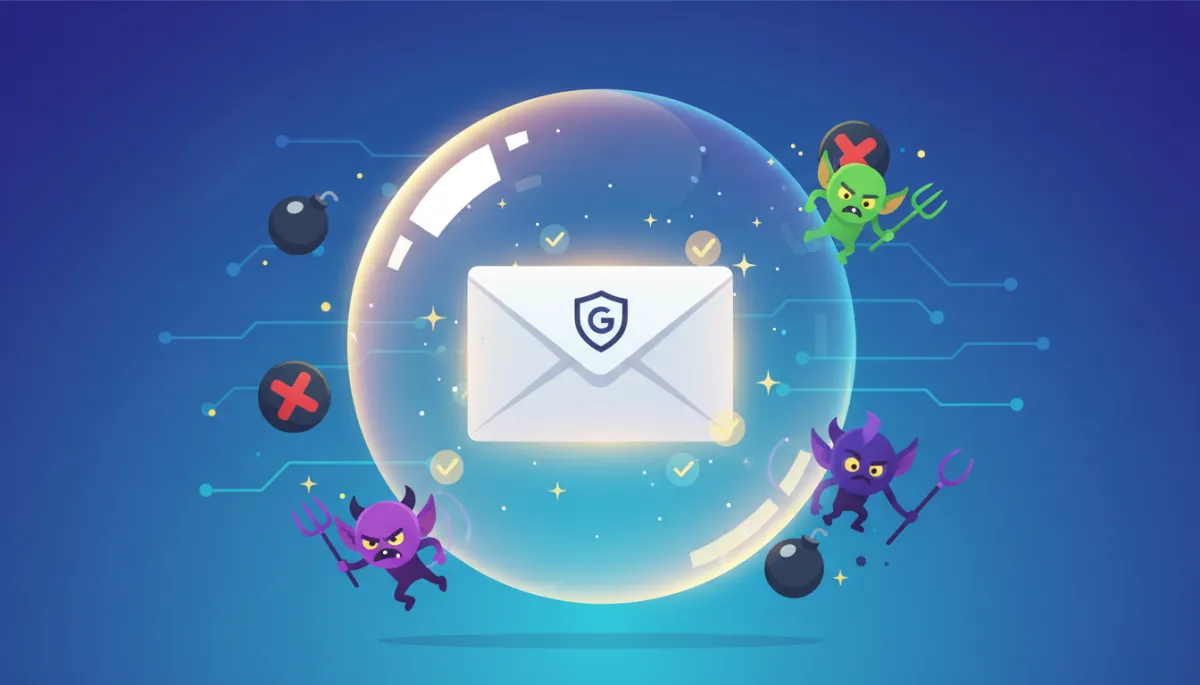
Your Email Reputation Deserves a Force Field
DMARC isn’t about tech — it’s about trust.
Every email that lands safely in your customer’s inbox says, “This business has its act together.”
Secure business. Confident brand. No DNS tears.
START TODAY
Your domain is unprotected right now.
Keep Scammers Out of Your Inbox 🛡️
Every day, scammers send fake emails pretending to be real businesses — sometimes even yours.
DMARC stops that from happening.
Think of it as an ID check for your domain.
Only emails you’ve approved get through, which builds trust with every message you send.
With DMARC in place, your business:
Looks more professional to Gmail, Yahoo, and Outlook
Keeps customers safe from phishing
Lands more emails in real inboxes, not spam folders
30-day money-back guarantee. No questions asked.
© 2026 The Great Geek Academy. All rights reserved.